| Visions Of Chaos Lattice Boltzmann Method Tutorial |
|---|
|
Lattice Boltzmann Method simulates fluid flowing through a tube past obstacles.
|
| Lattice Boltzmann Method Model |
|---|
|
The Lattice Boltzmann Method is an extension to FHP LGA that rather than using particles to track fluid locations it tracks density at each location within the fluid. For mathematical and more detailed descriptions refer to Wikipedia and lbmethod.org. The rest of this tutorial explains the various options that Visions Of Chaos includes with the Lattice Boltzmann Method (LBM) mode. |
| Input and Output |
|---|
|
The left side of the screen is the input and the right side of the screen is the output. Pressure is increased at the input and reduced at the output. This results in the fluid flowing from left to right. Even Pressure - The pressure of the fluid is the same amount across the input area. Poiseuille Flow - The pressure is higher in the middle than the edges. Using even pressure seems to give the most stable results. |
| Obstacles |
|---|
|
Without obstacles for the fluid to flow past and around the simulations would be very boring. Visions Of Chaos supports a number of preset obstacle types to observe how they change the fluid flow. These sample images all use even pressure input/output and are shaded using a rainbow ROYGBIV palette.  The palette color used depends on the velocity (speed) of the fluid. Red and Orange show maximum velocity. Yellow and Green show medium velocity. Blue and Violet shows minimal veolcity. Flow past circle - A single circular obstacle. After running for a while instabilities result behind the obstacle that resemble a von Karman Vortex Street. 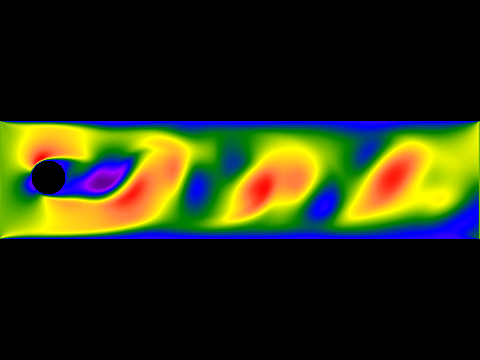 Four blocks - Creates a squared off obstacle course the fluid flows through. 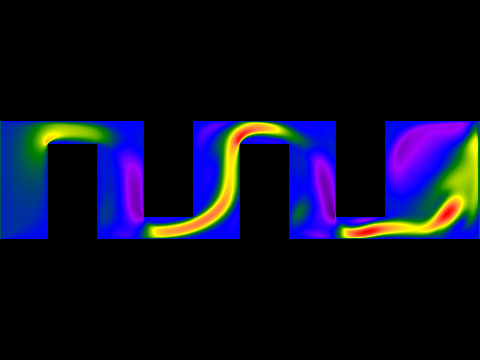 Vertical barrier - Thin vertical wall in the middle of the flow. 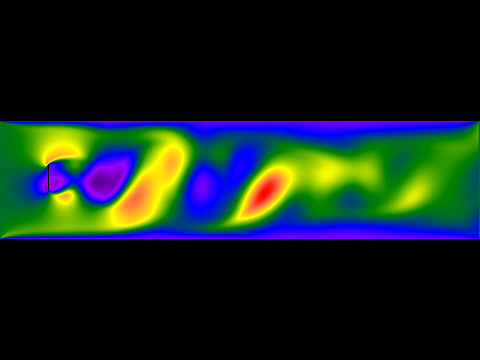 Funnel - Compresses the input flow through a funnel shape. 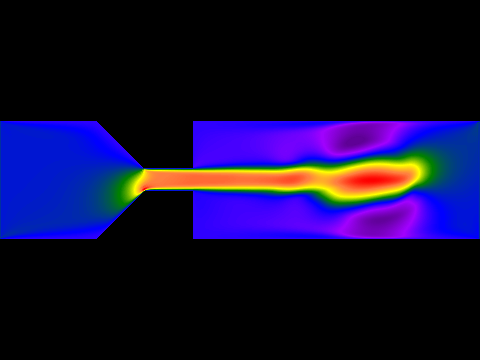 Three circles - Three circular obstacles. 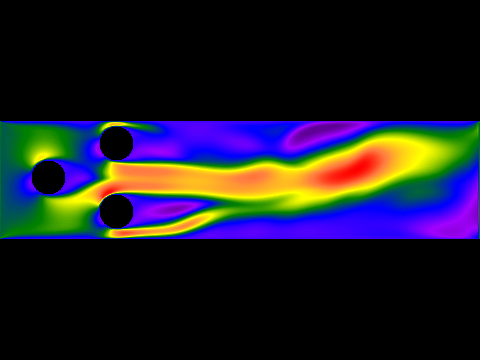 Angled line - 45 degree barrier. 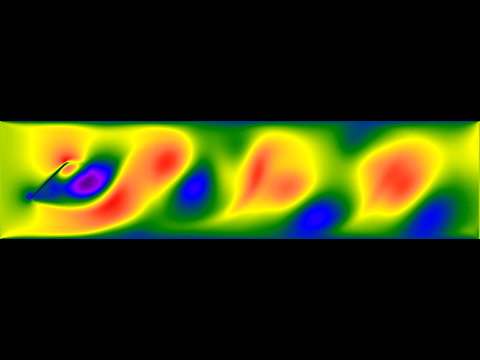 Flow through slit - Fluid flows through a small gap between two triangular barriers. 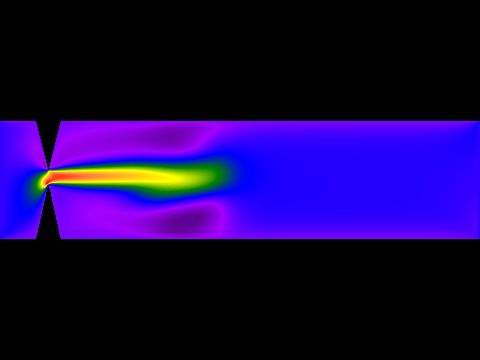 Single square - A single square obstacle in the middle of the flow. 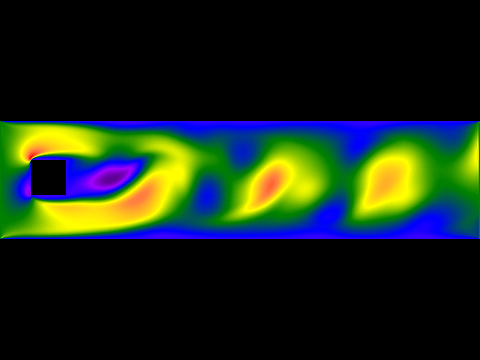 Airfoil - Airplane wing airfoil shape. Shows how the upper part of the wing has a lower velocity flow which gives the airfoil its lift. 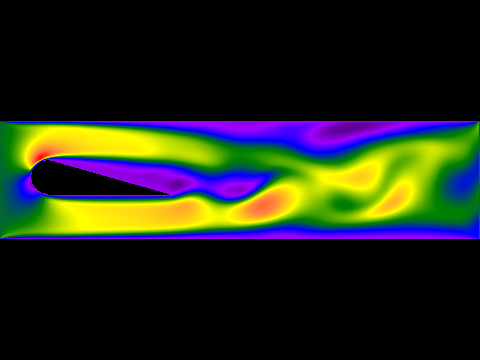 Rectangle - Rectangular obstacle. 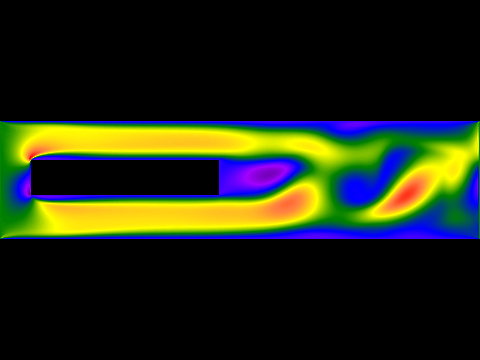 LBM text - Allows you to specify a word for the fluid to flow past. 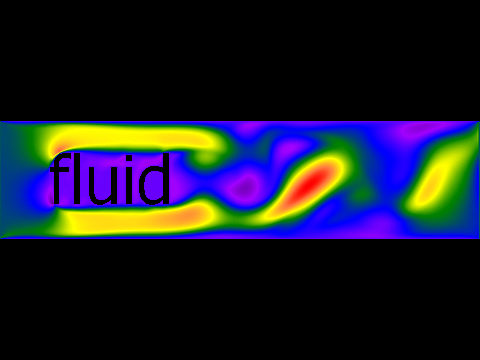 Triangle - Wedge obstacle. 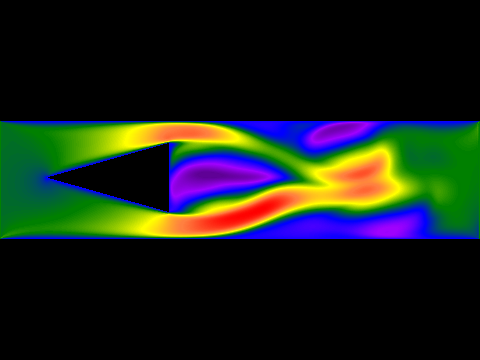 Small inlet and outlet - Small inlet and outlet with a larger space in the middle for the fluid density to disperse in. 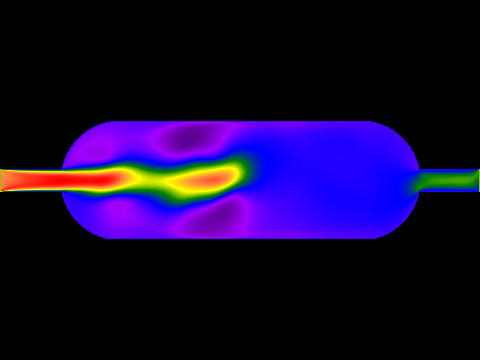
|
| Display Style |
|---|
|
There are various options available for how the fluid is shown. ABS Velocity - Shades according to the absolute value of the combined X and Y velocities. 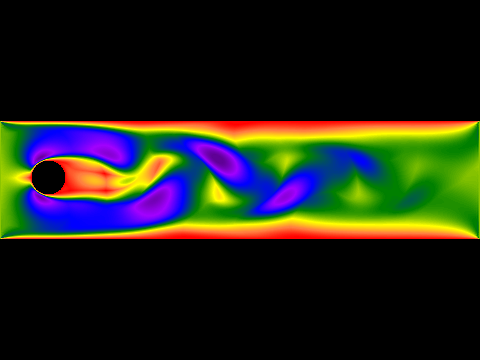 Density - Shades according to the density/pressure of the fluid. 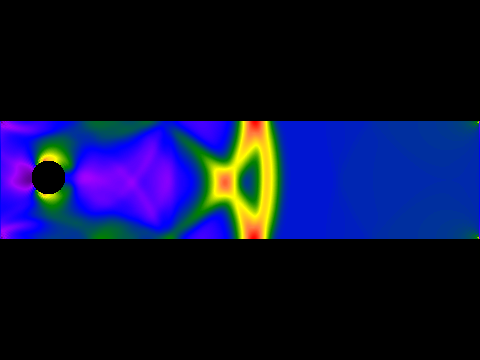 Velocity - Shades according to the combined X and Y velocities of the fluid. 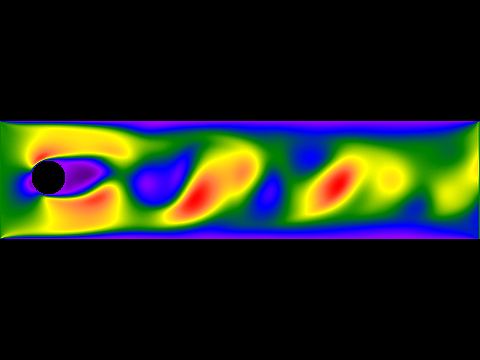 Normalized velocity - Shades according to the normalized length of the vector created from the X and Y velocities of the fluid. 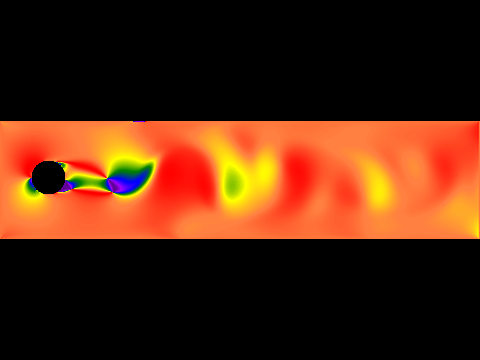 X velocity - Shades according to only the X velocity of the fluid. 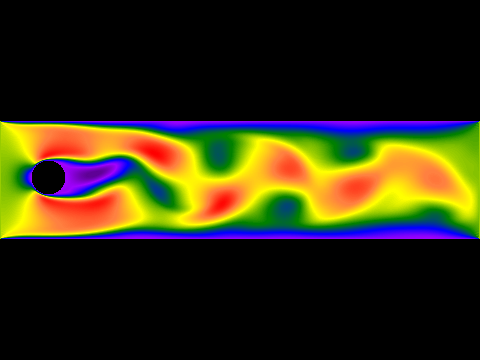 Y velocity - Shades according to only the Y velocity of the fluid. 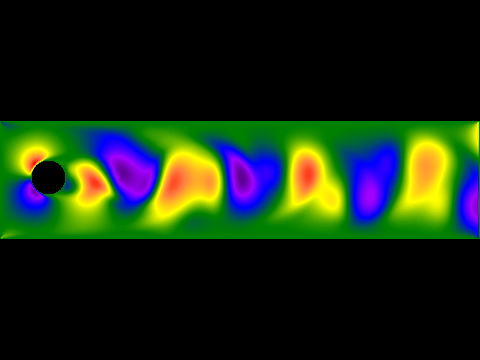 RGB XVel YVel Den - Shades each pixel using RGB values. R is X velocity, G is Y velocity and B is density. 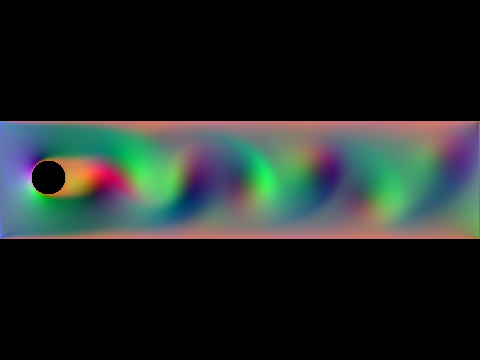 Flow angle - Shades according to the angle of the fluid flow. 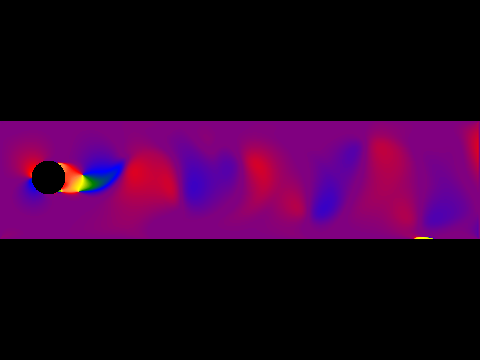 Flow visualisation - Tracks numerous vitual particles across the flow and shades each pixel according to the number of times it is hit. This is much slower than the other methods. 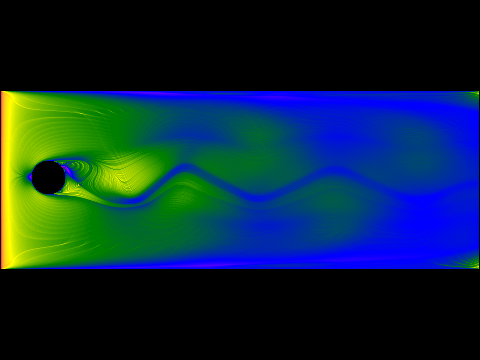
|
| Other Settings |
|---|
Streamlines - Adds streamlines to the display that track the flow of the fluid. Shows eddies and other fluid features. Forward streamlines start from the input and trace the flow forwards. Backward streamlines start from the outlet and trace the flow backwards.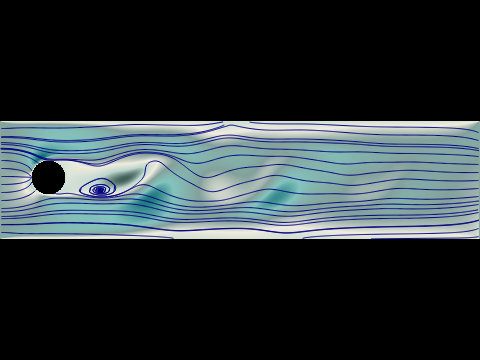 Steps per update - How many simulation steps are done before the diaplay is updated. LBM can be slow to change during simulations, so increasing this value allows a faster appearing simulation. This is especially useful when rendering a movie of the simulation as it allows you to control the speed of the resulting AVI movie. Flow vectors - Shows small red lines that are the average flow direction of the 10x10 pixels under them. 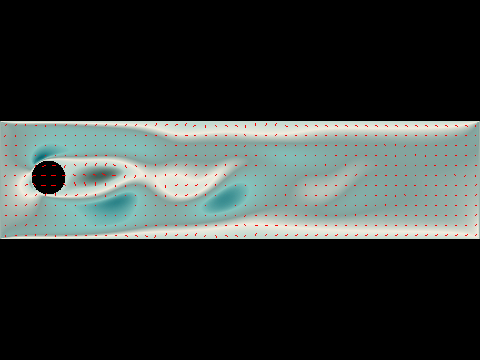 Create AVI frames - Saves simulation frames to create an AVI movie. Channel height - How tall the fluid channel is in respect to the image size. All of the samples on this page used Third Image Height. Reynolds - Reynolds number. Controls how turbulent the flow is. Take care when changing this value. Too low will smooth out the flow. Too high can cause the simulation to blow out. Experiment with different values for the different obstacle types. Acceleration - How fast the input fluid is. Can cause problems if set too high. |
| Sample Movies |
|---|
|
Here are two sample movies created using the LBM mode of Visions Of Chaos. They are both available in HD format to see all the finer details if you click the titles. |