| Visions of Chaos Root-Finding Fractals Tutorial |
|---|
|
Root-Finding Fractals are based on algorithms that solve the problem of finding roots of equations on the complex plane.
|
| Example |
|---|
This is an example image of the well known "Newton Fractal" The formula used in this case is z^3-1=0. When using complex numbers z has 3 solutions (or roots as they are called) that satisfy the equation. Each pixel (location in the complex plane) of the image becomes the initial z value. This initial value is then iterated a number of times to determine which of the 3 roots it hits (or gets very close to). The pixel is colored red, green or blue depending on which of the roots it finds. The R, G and B characters in the above image show the approximate locations of the 3 roots. Points that are close to the roots are surrounded by a single color, but the points between the roots show complex fractal structures. The process to calculate these roots is called Newton's Method. Hence the name Newton Fractal. |
| Formulas |
|---|
|
Visions Of Chaos comes with numerous formulas for creating root-finding fractals from. Select a formula from the Formula dropdown. Here are a few samples of the formulas included. z^6-1=0. This formula has 6 possible root solutions.  z^7-3z^5+6z^3-3z+3=0. This formula has 7 possible root solutions.  (z^2-1)*(z^2-4)=0. This formula has 3 possible root solutions. 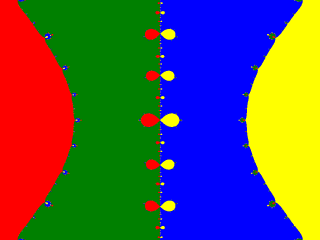 Try all the provided formulas for more unique results. |
| Coloring Methods |
|---|
|
There are three coloring methods to shade the root-finding fractals. Single color per root shading gives images as above. Each root is given a specific color. This is interesting if you want to see which roots each pixel value settles on, but not that visually pleasing if you want to make an attractive looking fractal image. 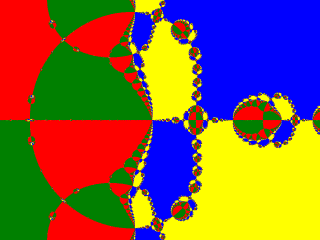 Shaded color palette uses the currently loaded color palette and shades the pixels based on how quickly they converge to a root. 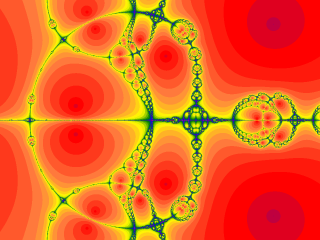 Smooth color palette uses the currently loaded color palette and shades the pixels based on how quickly they converge to a root, but smoothly blends the colors so no iteration bands (stripes/lines within the image) are visible.  Smooth Color Palette is the default shading method as it gives the most pleasing results. |
| Root-Finding Methods |
|---|
|
Since Newton first came up with his method to find roots, other mathematicians have discovered other ways to solve these problems. Visions Of Chaos includes the following root finding methods. All of these sample images use the formula z^8+15z^4-16. Newton  Halley 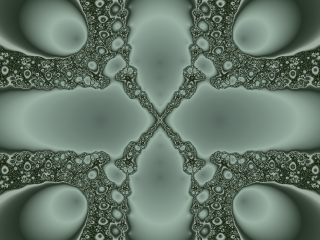 Schroder  Householder 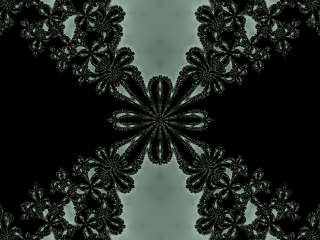 Secant 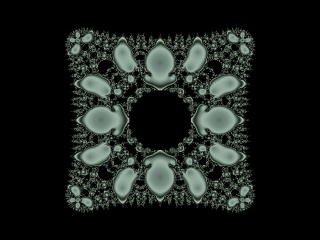
|
| Complex Multiplier |
|---|
|
The complex multiplier is a complex number (real and imaginary parts) that chages the way the formulas are iterated. Changing the first (real) multiplier value increases complexity within the image. Values between 1 and 2 usually work the best. Here are some samples of z^4+z^3-1=0 using Newton's method and different real complex multiplier values. Complex real multiplier of 1. 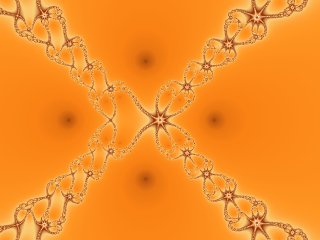 Complex real multiplier of 1.4. 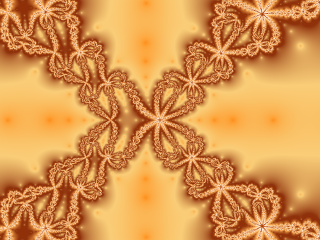 Complex real multiplier of 1.9. 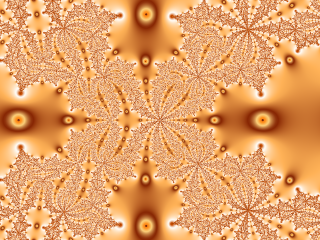 Changing the second (imaginary) multiplier value tends to cause the fractal to spiral. Values between 0 and 1 usually work the best. Here are some samples of z^5-1=0 using Newton's method and different imaginary complex multiplier values. Complex imaginary multiplier of 0.  Complex imaginary multiplier of 0.4.  Complex imaginary multiplier of 0.9. 
|
| Palette Step |
|---|
The iteration counts in many root finding fractals increase slowly so the resulting shaded image can look too flat without enough color contrast to see the details.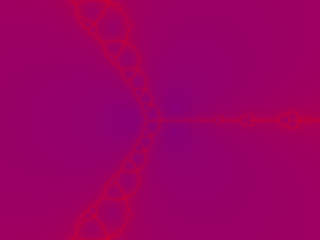 Increasing the palette step to 5 jumps five entries in the color palette to shade the fractal. 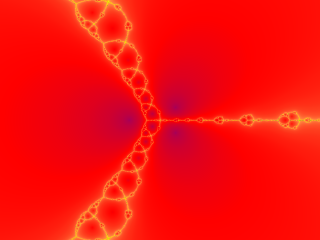 Increasing the palette step to 10 jumps ten entries in the color palette to shade the fractal and shows more color variety.  Depending on how complex the color palette used is depends on what a good palette step value is. Experiment with different values when you load a new palette. |
| Orbit Traps |
|---|
|
Orbit traps are a method to render interesting shapes within fractal images. The basic explanation is that there are shapes (circles, squares, stalks) exist within the complex plane. As each pixel's value is iterated, if it falls within these shapes it is "trapped" and the original starting pixel is shaded according to how close to the center of the trap shape it gets to. Here are a few sample images of what is possible with orbit traps. 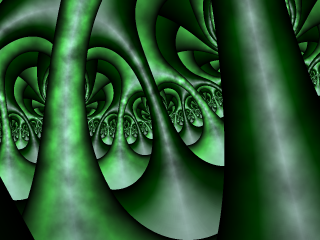 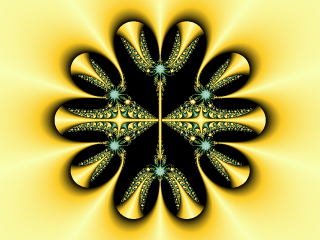 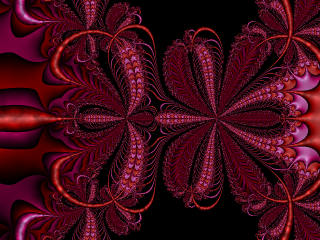 Orbit traps are difficult to explain. I will need to have a dedicated tutorial topic to explain them better. |